Toolkit
Graphics
Graphics
Swings and tracer lines
Looking to capture the pace, precision and power in a golf swing, we referenced stroboscope photography that breaks that moment down into milliseconds. Using graphical representations of swing and tracer lines, we can build up a series of dynamic patterns. By blending these lines and creating repeating formations, we can produce graphics that add flair and excitement to our communications.
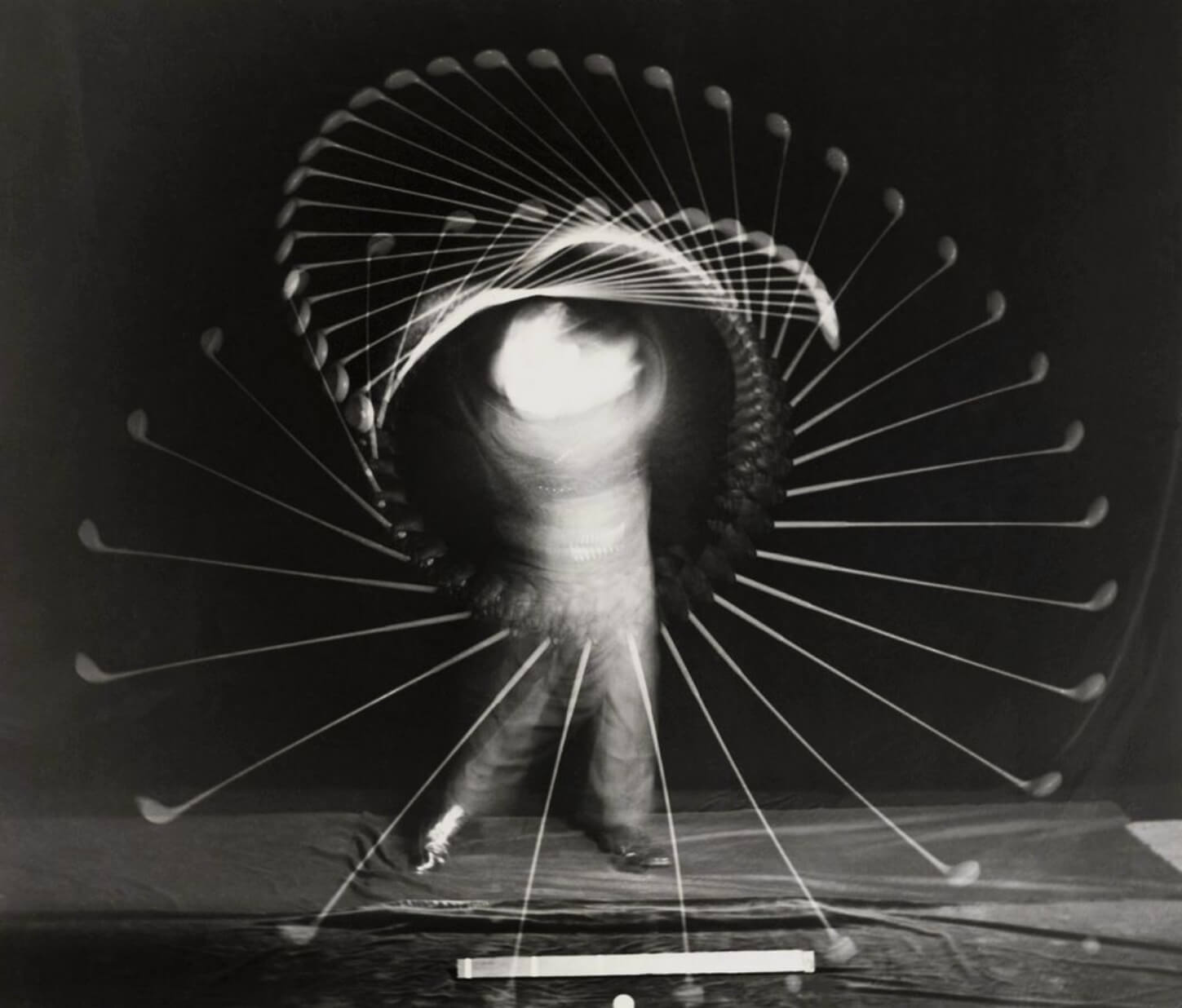

Inspiration
Harold Edgerton (American, 1903-1990)
Bobby Jones with an Iron
1938


Blend
Using vector tools such as Adobe Illustrator, we can take a couple or more tracer lines, and create a blend between them. We can vary stroke width, angle and size, which provides an infinite range of possibilities. There is a downloadable set, or you can learn more about how to do this here.

Cropping
Once a pattern has been created, we can take crops of areas that have a specific point of interest.

Swing lines
We use these representations of swing rotations as graphics in the same way as our tracer lines.

Cropping
Create crops of areas that have a specific point of interest or to create compositions.
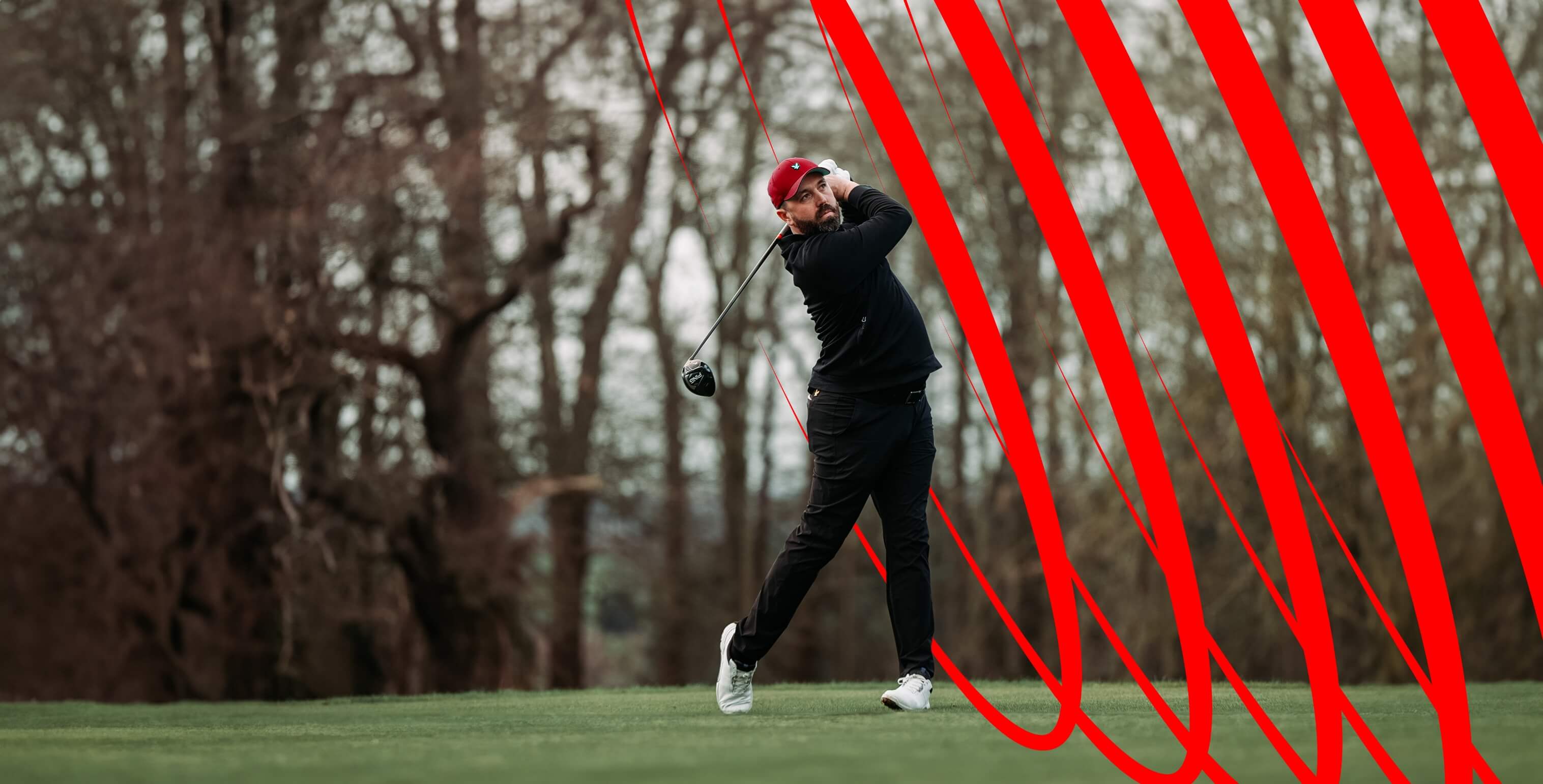
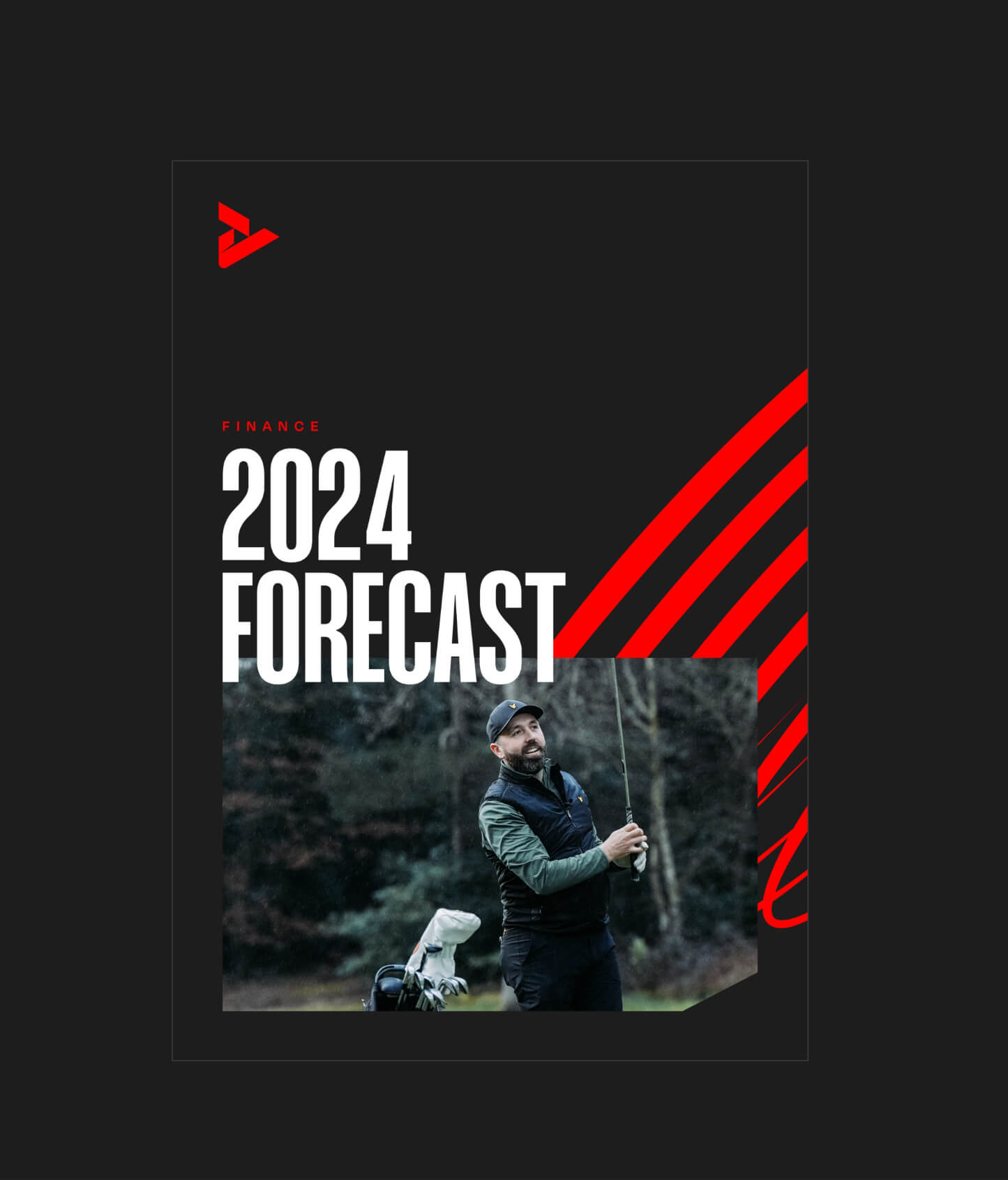
Using with photography
We can use these patterns to work in and around static imagery. By cutting out the subject or foreground objects we can create depth and interesting compositions.

Using with typography
We can use these patterns to weave in and out of our headline type. Be mindful of readability and make sure this effect doesn’t detract from the overall message.
DownloadGraphics
Shadow device
By applying shadows we can create additional graphic set to play with across different applications. This is not only an aesthetic device as it adds more of a 3D element and depth to applications. It also references the pin shadow we use throughout our logo and bespoke typography.

Graphics
Slice device
Inspired by the pin shadow referenced in our logo and typography, we can also create ownership on boxed graphics by slicing off the corner. The angle should be consistent and is set at 56 degrees.